A good website or place does not add access later; it begins by asking whether the greatest possible number of people can use it clearly and independently.
Many products and services are designed for an imaginary user who sees well, hears well, moves easily, reads quickly and understands technology. Real people are more diverse. A person may have a permanent disability or a temporary injury, be older, use a phone with one hand or browse in a noisy place.
Accessibility is therefore not a feature added at the end of a project. It is part of design quality.
Inclusive design benefits everyone
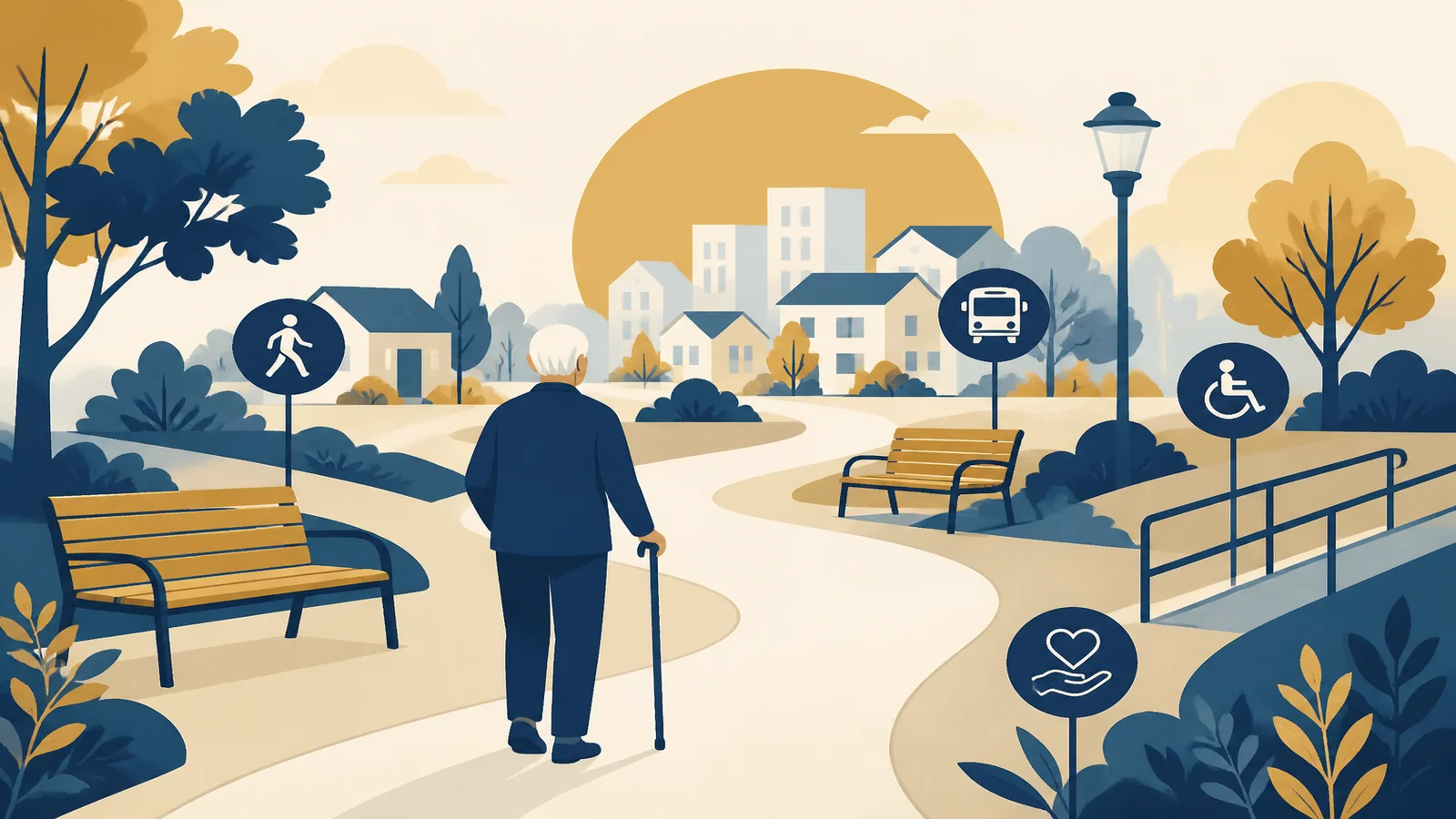
Video captions were primarily created to support people who cannot hear, yet they also help someone in a place where sound cannot be played. A ramp helps a wheelchair user, but it also helps someone pushing a pram or carrying luggage. Clear text supports a person with cognitive difficulty and a user in a hurry.
These examples show why access should not be treated as a service for only a small group.
Digital accessibility in the UAE
Official UAE sources emphasise the importance of making information and services accessible to people of determination. Practices include alternative text, the ability to enlarge text and support for reading and access technologies.
Technical compliance alone, however, is not enough. A website may pass certain tests while remaining confusing because it has too many steps or uses complicated language.
Simple principles for any website
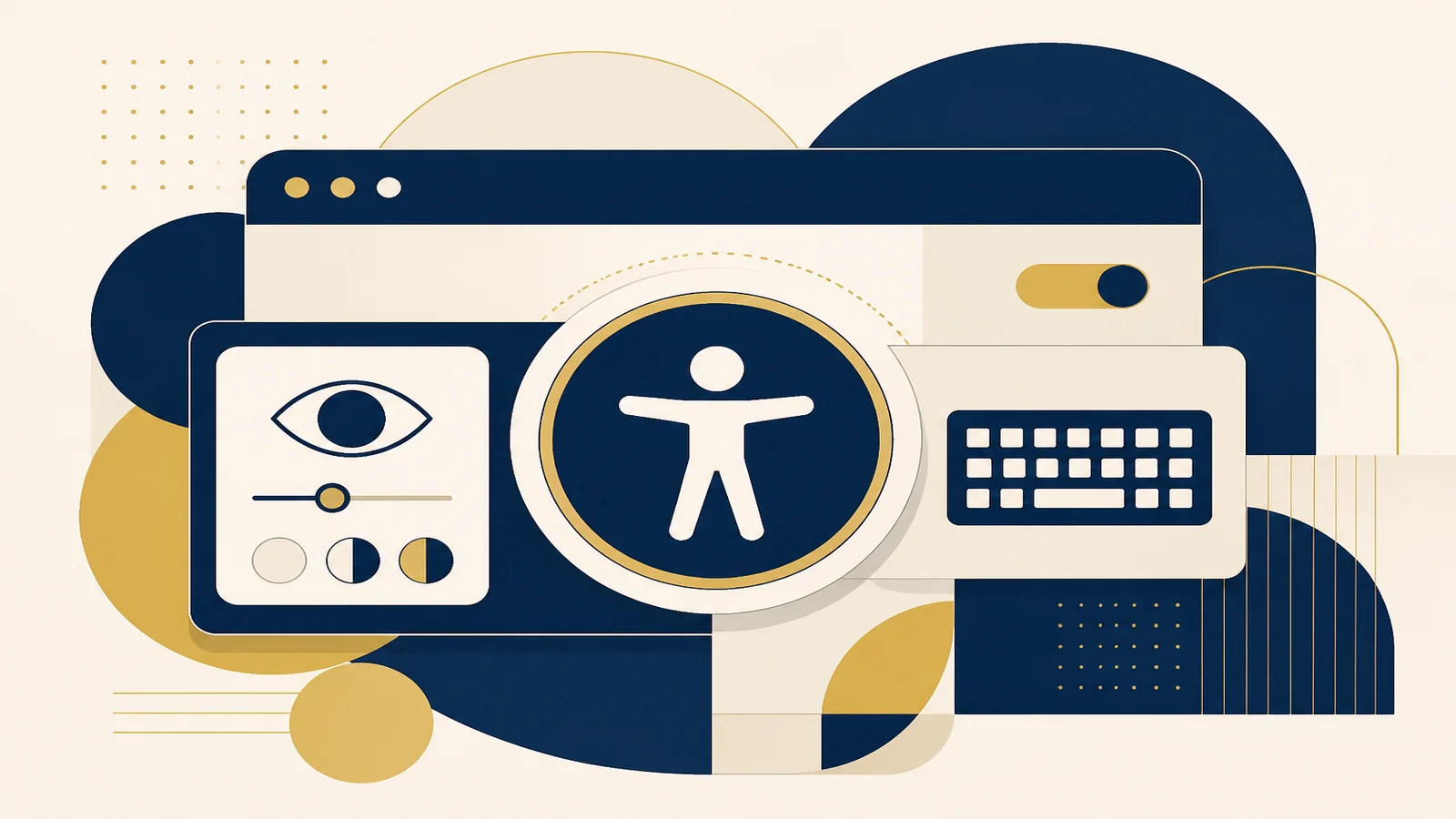
Clear structure. Use ordered headings, understandable lists and links that say clearly where they lead.
Sufficient contrast. Light-grey text on a white background may look elegant but can be exhausting to read.
Keyboard access. A user should be able to reach buttons and links without a mouse.
Alternative text. An image that carries meaning needs a description. Pure decoration should not add noise for a screen reader.
Video. Captions are essential, and audio description is useful when meaning depends on the image.
Forms. Do not use a placeholder as the only field label, and explain errors in clear language.
Accessibility in physical places
The same principle extends to the physical world: sign height, movement routes, lighting, seating, sound, toilets and information points.
Sometimes the barrier is not the structure but the behaviour. An employee who knows how to communicate respectfully can turn a difficult experience into a good one, and the reverse is also true.
Do not wait for a complaint
The better design method is to test with diverse users before launch. Including a person of determination in a test session reveals issues that automated tools cannot see.
A website can also be tested using:
- 200% zoom.
- Keyboard only.
- Images turned off.
- A screen reader.
- High-contrast mode.
- A small phone.
The right to independence
Accessibility is connected to dignity. The more independently a person can complete what they need, the less they must request help for tasks that should not require it.
Design for everyone is therefore not charity; it is respect for a user’s right to information and participation.
Ask people who are not like you
One of the greatest risks in design is assuming that our experience represents everyone’s. If you see well, you may not notice poor contrast. If you are young and accustomed to applications, five steps may seem easy. If you always use a mouse, you may forget the keyboard.
Human-centred design begins when we broaden the group we ask. The more diverse the people involved in thinking and testing, the better the product becomes.
Accessibility is not a detail at the end of a project. It is a practical way of saying: this place belongs to you too.
Official references
- Protection, Support and Assistance for People of Determination – The Official Portal of the UAE Government. https://u.ae/en/information-and-services/social-affairs/people-of-determination/protection-support-and-assistance-of-people-of-determination
- Bridging the Digital Divide and Digital Accessibility – The Official Portal of the UAE Government. https://u.ae/en/about-the-uae/digital-uae/digital-inclusion/bridging-digital-divide
- National Policy for Empowering People of Determination – The Official Portal of the UAE Government. https://u.ae/en/about-the-uae/strategies-initiatives-and-awards/policies/social-affairs/the-national-policy-for-empowering-people-with-special-needs
Reference links were checked during package preparation on 25 August 2026. If a policy or link changes, the official source remains the most up-to-date reference.